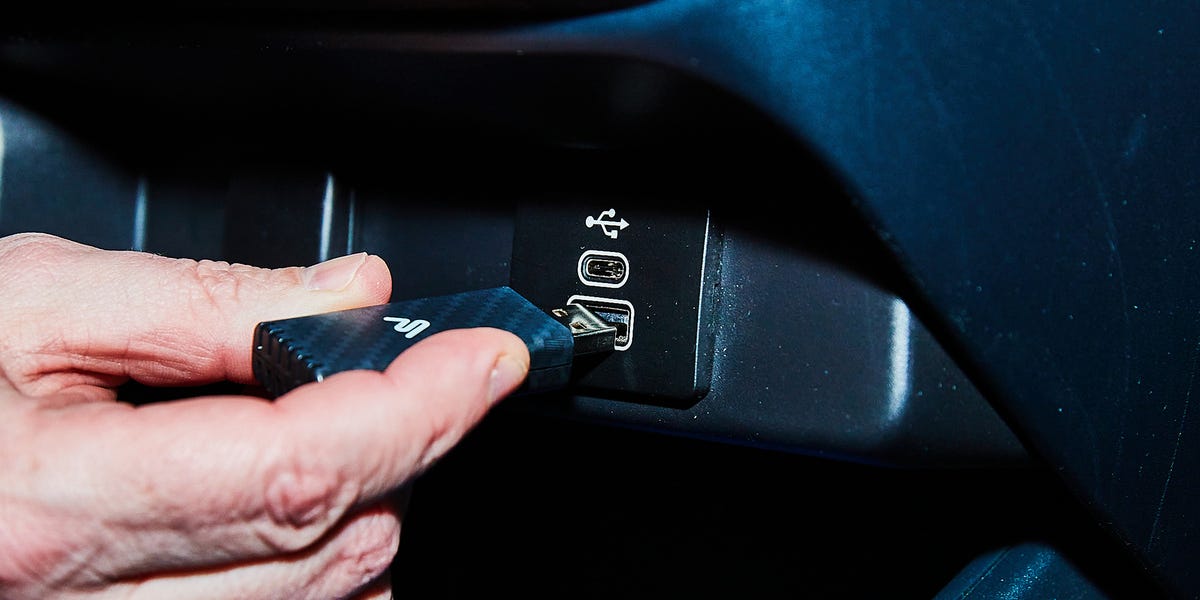
Car electronics have a terrible track record for compatibility. I learned this the hard way a few years ago when I bought a barely used 2019 Lexus Hybrid for a great price. It was my first car to have a digital display, so I was excited to use Apple CarPlay to connect my iPhone, but sadly, I was stymied by a technical incompatibility. It all seemed hopeless until a little research led me to a dongle that saved the day.
I know it sounds picayune to complain about something like this, but I have a long drive to and from work, and there’s only so much news you can listen to—audiobooks and podcasts bring sanity to my commute. (My current favorites are This American Life, Radio Lab, and, for you history lovers, Empire.) The car has Bluetooth, but the 2019 models didn’t support CarPlay wirelessly. Sure, I could kind of get what I wanted over a simple Bluetooth audio-only connection, but that means constantly fiddling with your phone to change apps, get directions, or dial numbers, which is never a good idea while driving.
$34.99
Shop Now
I thought I found a fix by simply connecting to one of the USB-A ports using a cable, but weirdly, while the car supports CarPlay over a Lightning to USB-A connection, it won’t support USB-C to USB-A. Since USB-C has been the new standard for iPhones, I was out of luck. It was just a few years old at the time, and already my car was out of date. Luckily for me, there was plenty of advice from fellow car owners online who have had the same problem.
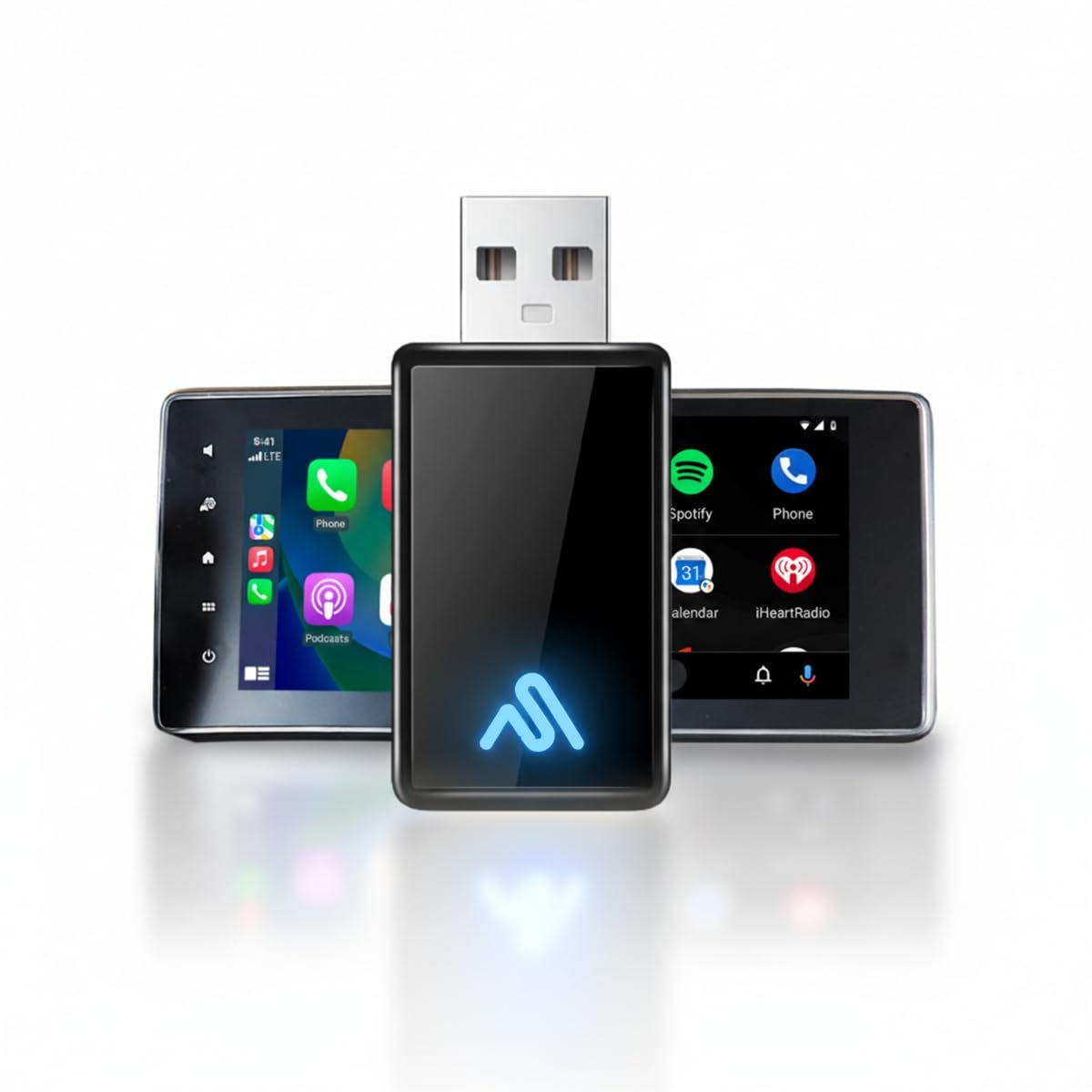
The answer was simple: a USB-A Bluetooth dongle. While these are generally meant for people who don’t have Bluetooth in the car, they can also act as a workaround for problematic software. Installing it is simple; all you need to do is plug it in while the car is on, look for the dongle name on your phone, and connect to it. Moments later, the car recognizes it, asks you if you want to connect via CarPlay, and you’re up and running. It should do the same for Android Auto, too.
The connection was seamless. The normal CarPlay interface now appears on my dash display as it should, and the manual controls, like the voice control button and skip buttons on the steering wheel, work as they should. It seems inexplicable that a wireless connection would work when plugged into a USB port, but not through a direct wireless connection; however, therein lies the fickleness of software.
If you look on Amazon, there are a ton of these devices for sale. To be honest, the one I chose from AutoSky had a lot to do with the fact that it was cheap ($25 at the time) and the user reviews seemed okay, too. I should report that since then, I’ve seen people complain about compatibility issues, but I suspect this has more to do with their cars’ interfaces. Mine worked perfectly for six months and then started having connection problems. But after doing a bit of research, I found the car’s software was the issue, and I corrected it by clearing my personal data in the settings, which took just a few seconds. Now it’s back to normal.
I know this solution will seem obvious to some, or even idiotically simple, but that’s the beauty of it. I know this is a problem people with newer cars probably don’t have (though GM owners, you’re in trouble), but from what I learned online, I wasn’t unique in my frustration, either. Nothing is worse than buying a new(ish) car and thinking you’ve finally caught up with the times, only to learn you’re not there yet. But for once, I found a way to beat the system, and it only cost me $25. That’s going in the win column.